
Postal voting for 29-N can be submitted until Thursday 26 at 14:00
Anyone who has requested a postal vote for Sunday 29's general election has until Thursday, November 26 at 14:00 to deposit it at Correos, one day more than planned.
Redacción ·
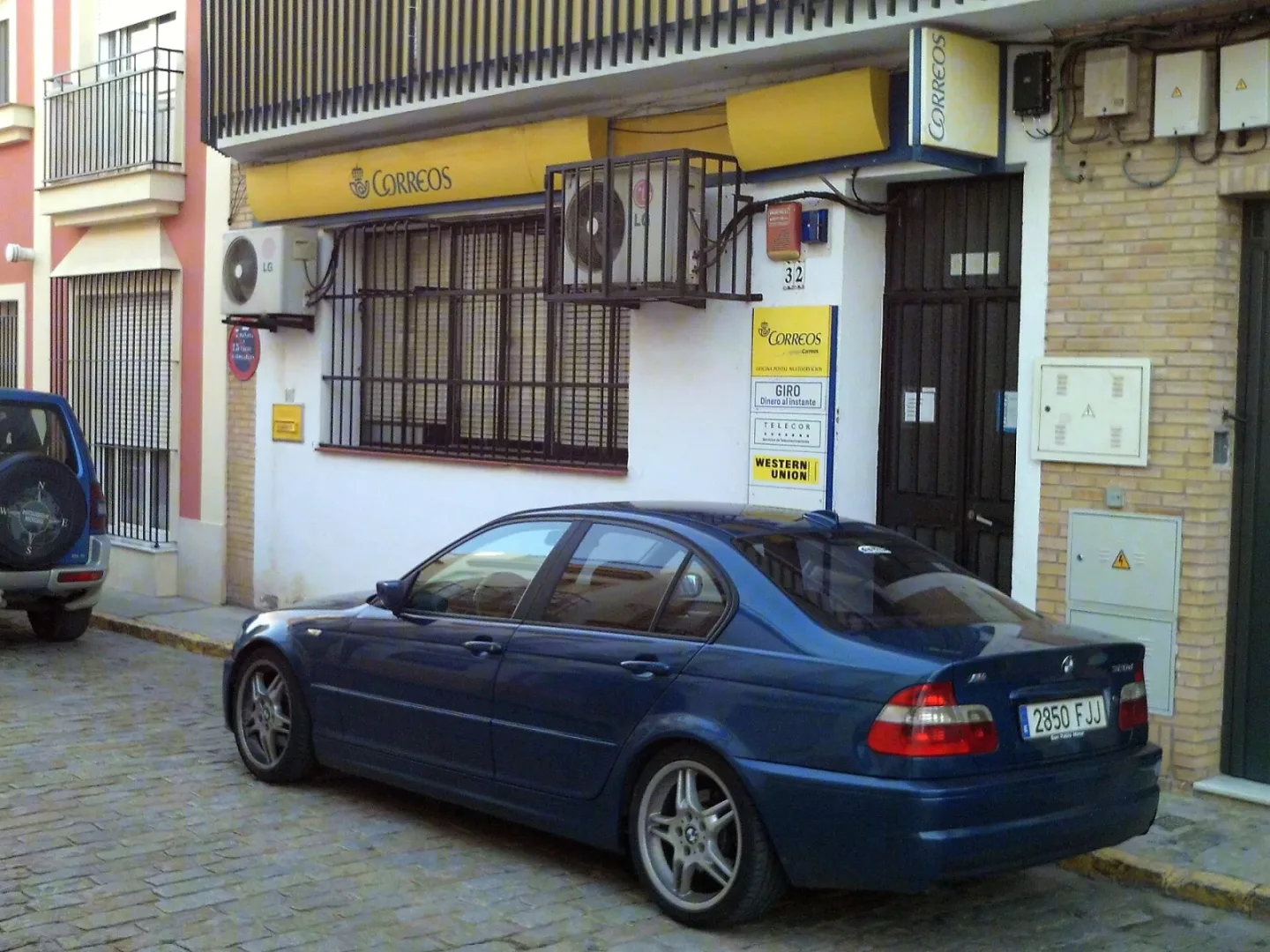
The deadline to deposit the postal vote for the general elections on Sunday, November 29 ends on Thursday the 26th at 14:00. The Junta Electoral Central (JEC) extended the limit by one day, which was initially Wednesday the 25th, as announced by Correos.
Delivery is made at any Correos office, within its usual opening hours, but no later than that time. The extension does not reopen the application: anyone who did not request it before November 19 can no longer vote by this method.
How it is delivered
You must go in person to the office with the original DNI, passport or driving licence. Correos staff check the document before accepting the envelope. A photocopy is not valid when the voter themself brings it.
If the voter cannot travel, they can authorise another person. A authorisation signed by them and photocopies of their identification document and that of the authorised person are required. Correos has an official authorisation form on its website. The office keeps those papers to forward them afterwards to the Junta Electoral.
The envelope with the vote is not put in the street postbox. It is handed over in person.
In Andalucía, 202,683 postal vote applications have been accepted, the community with the most requests for these elections, according to Correos' report of November 20. Of these, 110,214 were made at an office and 92,469 online.
Anyone who has requested the postal vote and had it accepted can no longer vote at their polling station on Sunday the 29th. The election day runs from 9:00 to 20:00.
Correos recommends not waiting until the last day and taking the envelope as soon as possible.
Until Thursday the 26th at 14:00 to deliver it at Correos.
Postal voting, on the Correos website (opens outside the portal)
Breaking news from News, on your phone
An alert only when something can't wait. Free, no account needed.
On iPhone, alerts only arrive if you first add CádizYa to your Home Screen. How to do it, step by step
This browser can't receive alerts. Try another one, such as Chrome or Safari.
You've blocked alerts from CádizYa in this browser. You can turn them back on in its settings. How to do it, step by step
Only what can't wait. Change or remove it in my alerts
Shall we let you know what matters?
Phone alerts
On iPhone, alerts only arrive if you first add CádizYa to your Home Screen. How to do it, step by step
This browser can't receive alerts. Try another one, such as Chrome or Safari.
You've blocked alerts from CádizYa in this browser. You can turn them back on in its settings. How to do it, step by step